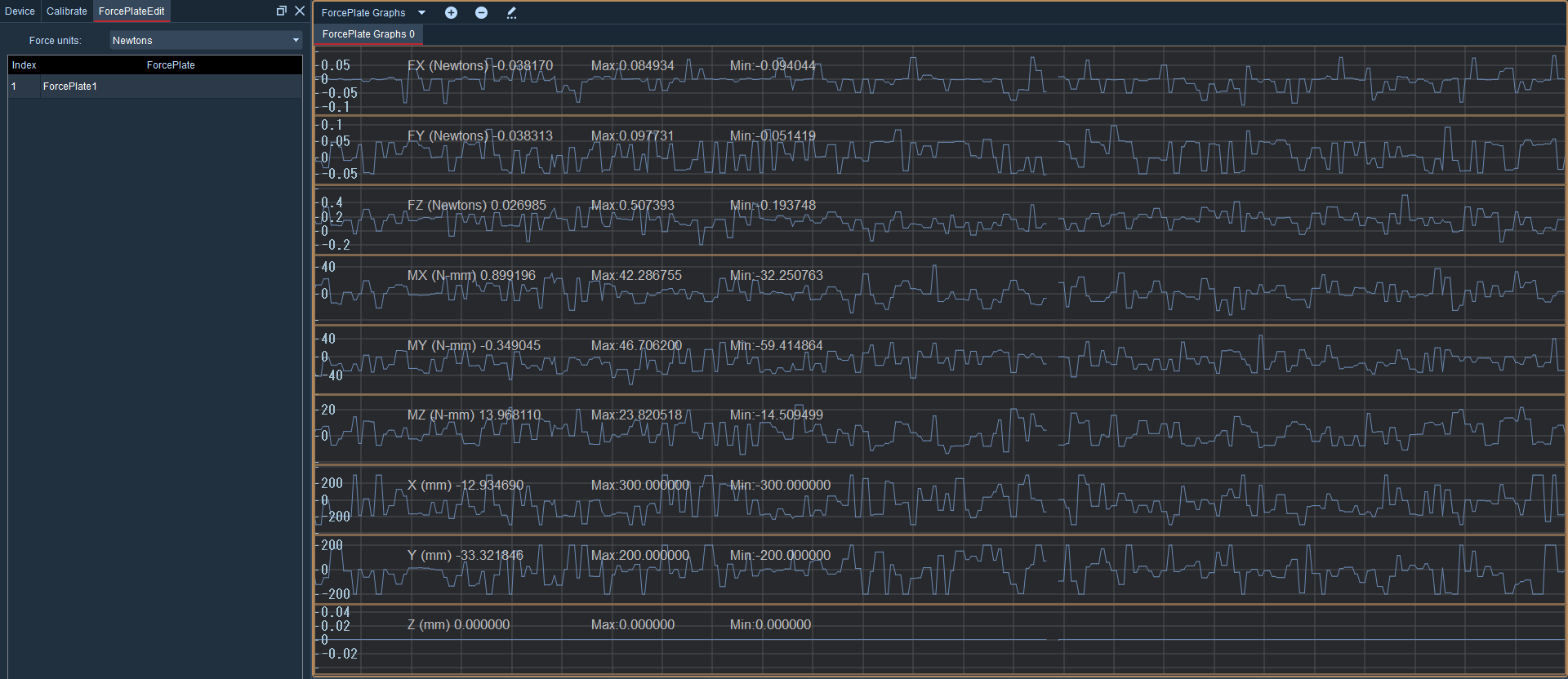
7.Force platform data chart
- To use the chart in real-time mode, please first configure the force platform to ensure it can function properly in real-time mode. Also, enable the force platform in the "Force Platform Parameter Settings".
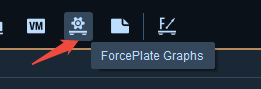
- Open the "Force Platform Data Chart" in the toolbar at the top of the software.
- Right-click on the chart and select "Edit Page". All force platforms will be displayed in the "Force Platform" panel floating on the left side.
- Click the + button above the simulation chart to add a simulation chart. You can also right-click in the simulation chart and select "Add Page" to add a simulation chart.
- When using or loading force platform data in real-time or post-processing mode, the force platform data can be opened, and the values of "FX, FY, FZ, MX, MY, MZ, X, Y, Z" will be displayed in the force platform data;