(Ⅱ) mocap_nokov
ROS2 version: galactic, Ubuntu version: 20.04
Other ROS2 versions (such as Foxy, Humble, Rolling, etc.) operate similarly.
Ⅰ. Install Related Dependencies
sudo apt install -y
     ros-galactic-geometry-msgs
     ros-galactic-tf2
     ros-galactic-tf2-ros
     ros-galactic-ament-cmake
     ros-galactic-ament-lint-auto
     ros-galactic-ament-lint-common
     ros-galactic-rclcpp
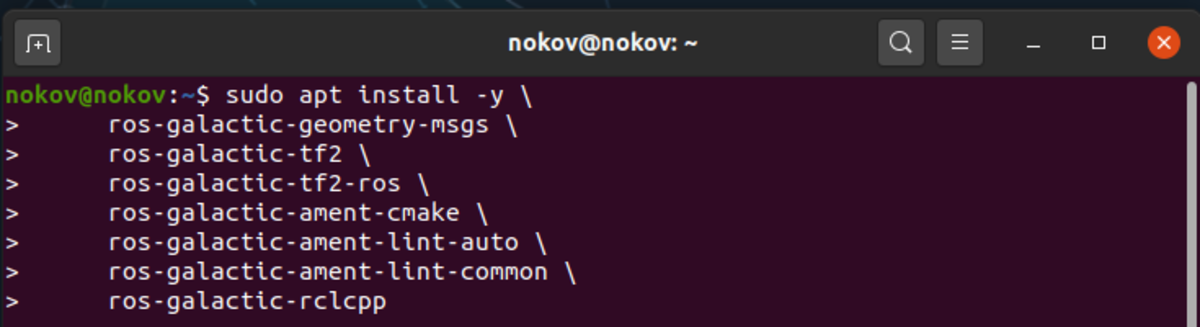
Install Dependencies
Ⅱ. Source Code Compilation and Installation of mocap_nokov
- Run the following commands in sequence to compile and install mocap_nokov.
mkdir -p ~/catkin_mocap/src
cd ~/catkin_mocap/src/
git clone -b ros2 https://github.com/NOKOV-MOCAP/mocap_nokov.git
cd ~/catkin_mocap/
colcon build --symlink-install
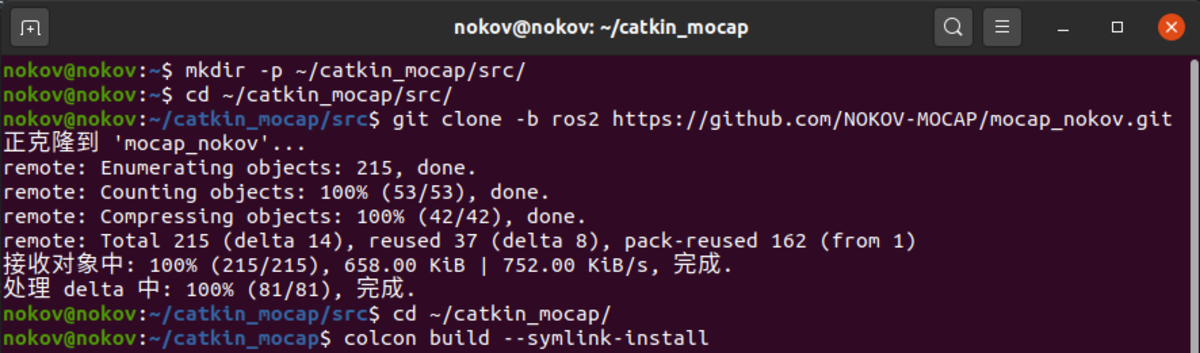
colcon build
Ⅲ. Configure Environment
- Use the following commands to configure the environment and load the environment in this terminal.
source ~/catkin_mocap/install/setup.bash
echo 'source ~/catkin_mocap/install/setup.bash' >> ~/.bashrc

Write to bashrc
Ⅳ. Enable SDK
- In the motion capture software data broadcast, select the address on the host that is on the same network segment as the onboard computer. Set the mode to multicast, select global for skeleton coordinates, and enable SDK.
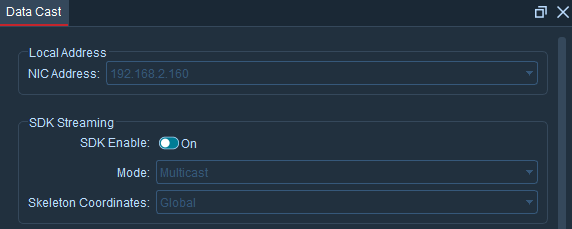
Enable SDK
Ⅴ. Configure mocap.yaml File
- Use the following command to modify the mocap.yaml file.
nano ~/catkin_mocap/src/mocap_nokov/config/mocap.yaml

mocap.yaml
- In the "rigid_bodies" field, add the topics required for the rigid body to be tracked. Taking the rmtt_1 rigid body as an example, open the asset in the motion capture software, find the asset number "0" of this rigid body, and add the configuration as follows. server_address is consistent with the address selected in data broadcast, which is 192.168.2.160.
rigid_bodies:
    0:
        pose: rmtt_1/pose
        pose2d: rmtt_1/ground_pose
        odom: rmtt_1/Odom
        tf: tf
        child_frame_id: rmtt_1/base_link
        parent_frame_id: world
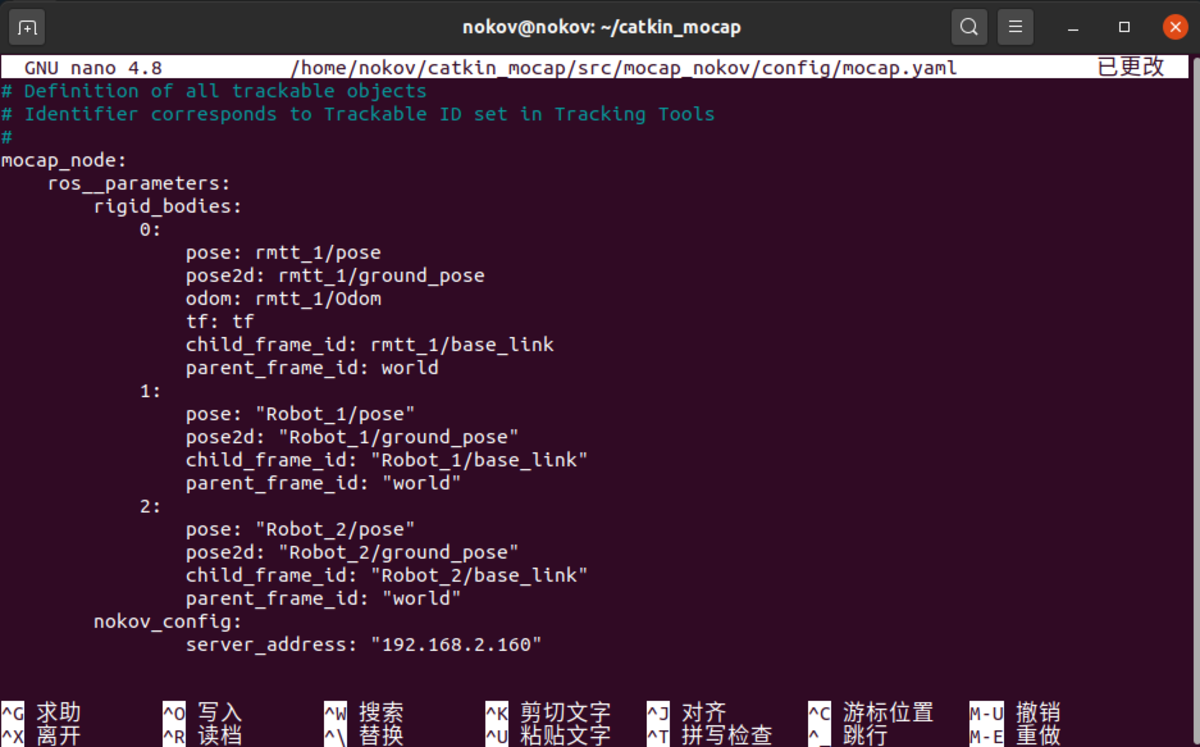
rigid_bodys
Ⅵ. Launch mocap_nokov
- Use the following command to launch mocap_nokov.
ros2 launch mocap_nokov mocap.launch.py
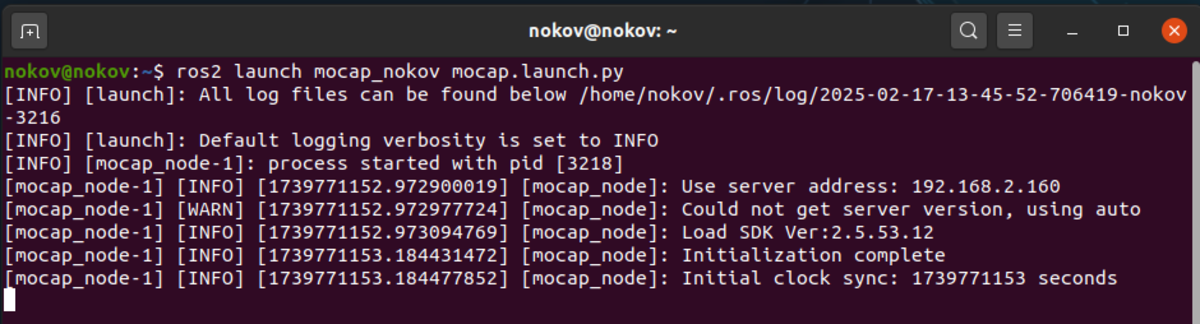
ros2 launch
- Open another terminal and view the topic list, where rmtt_1 is the rigid body name.
ros2 topic list
ros2 topic echo /rmtt_1/pose
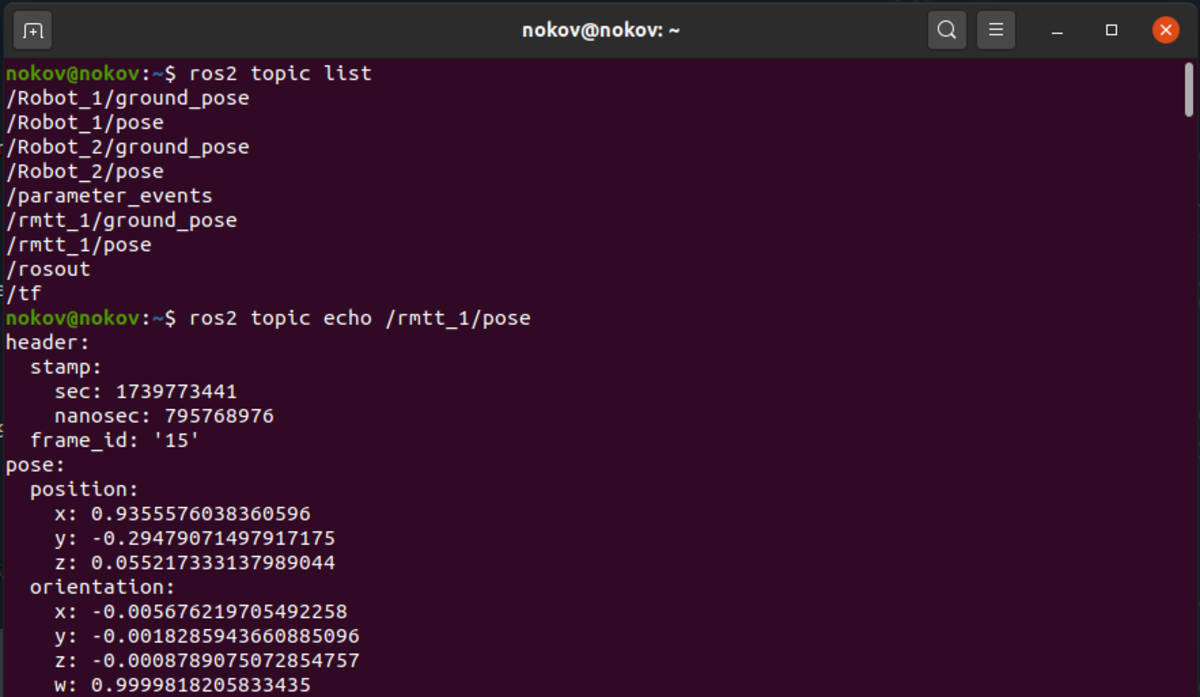
ros2 Topic Print