Orbit Camera User Guide
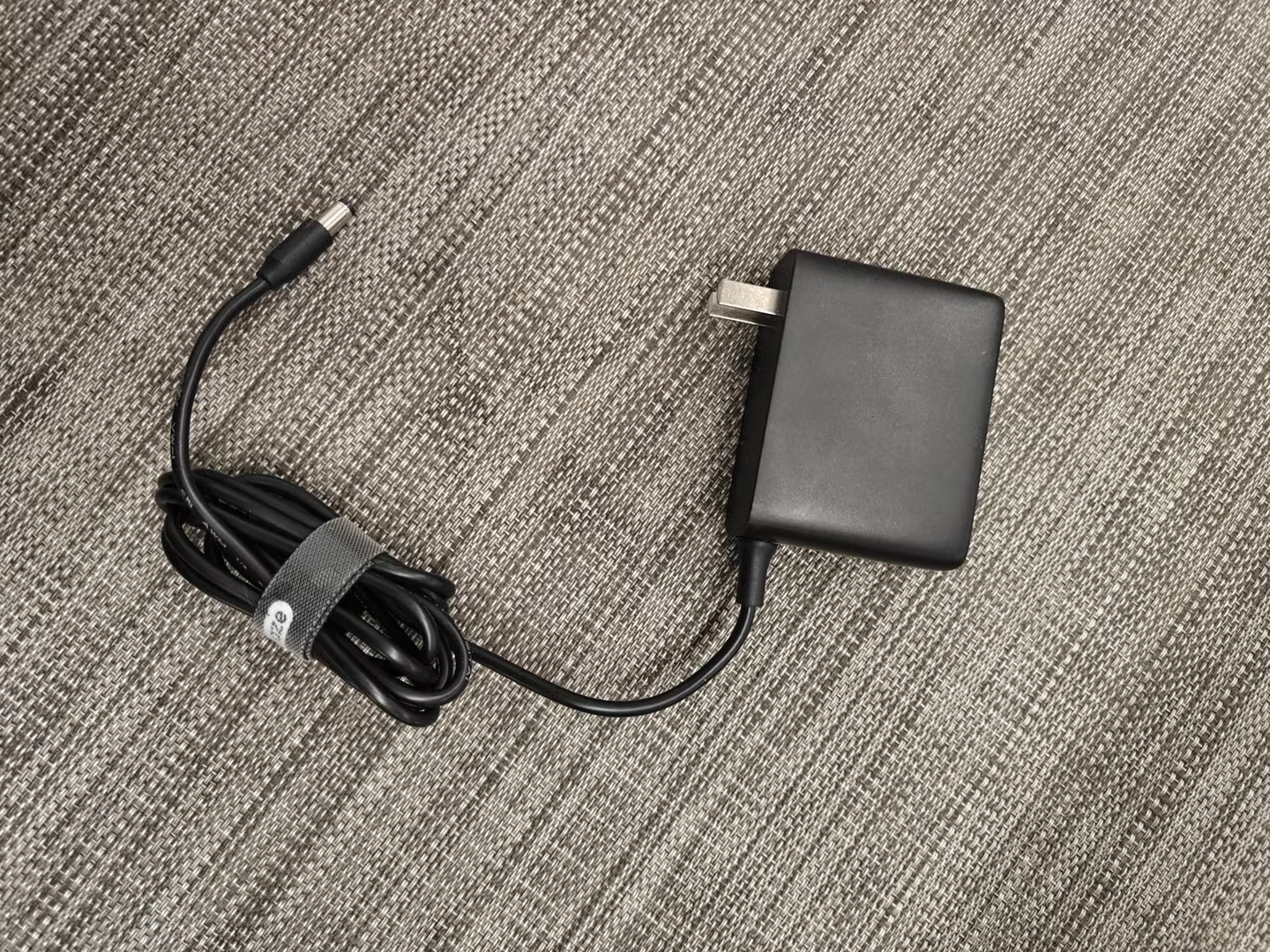
1.Power on the Cameras and connect them to the computer: Connect the supplied 12V power adapter to the Cameras power port, and use an Ethernet cable to connect the Cameras to the computer’s network interface card (NIC) (refer to "Software Installation and Launch": "Network Settings", "Firewall Settings", "Software Installation", "Software Activation", and "Software Launch" for the computer settings).

2.Launch the XingYing-Orbit software and click Connect Cameras. After a successful connection, the interface will appear as shown in Fig. 20.1.3. The three Cameras with IP addresses 201, 202, and 203 will be displayed, and the calibration files will be loaded automatically.
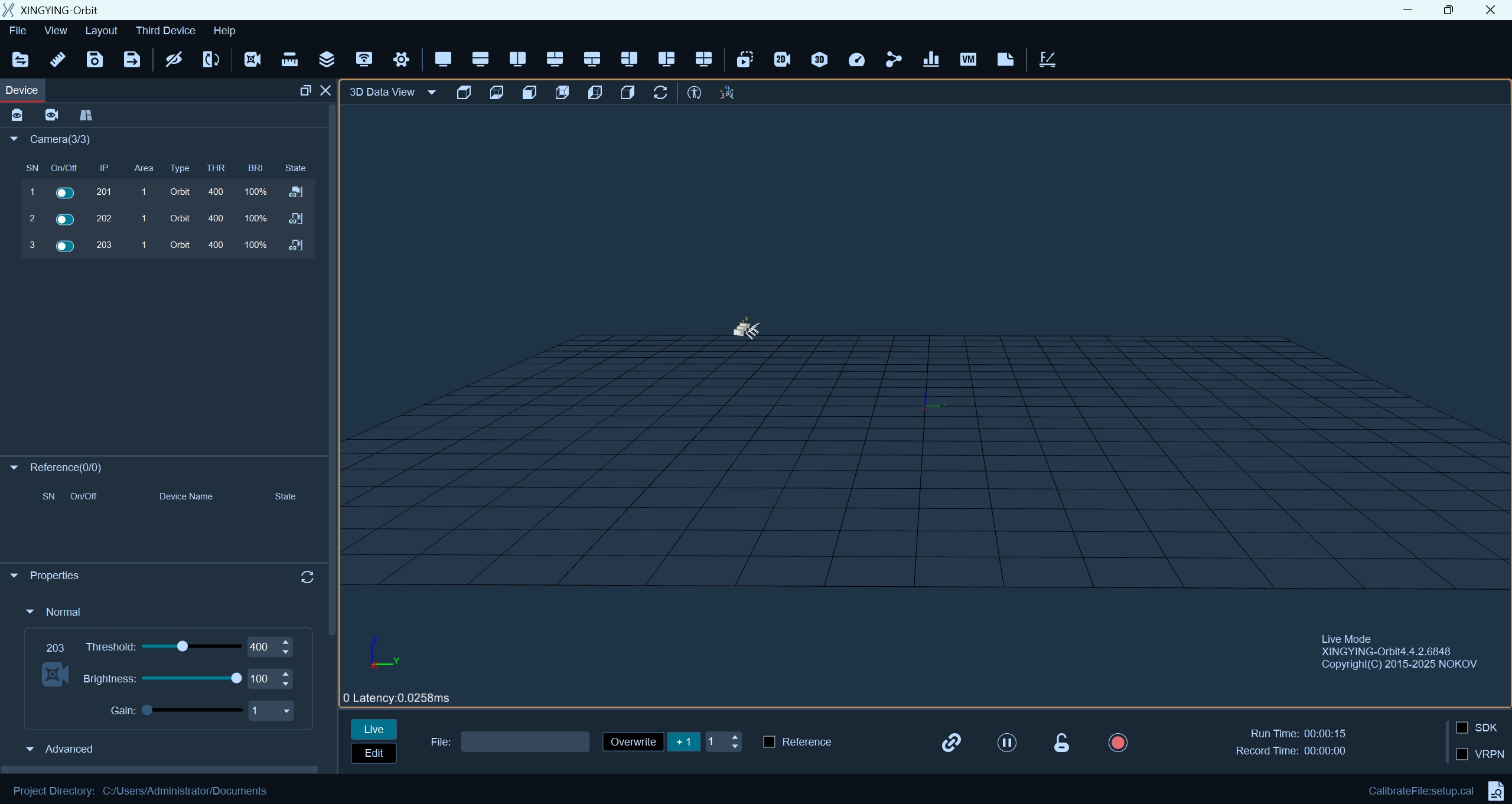
20.1.3
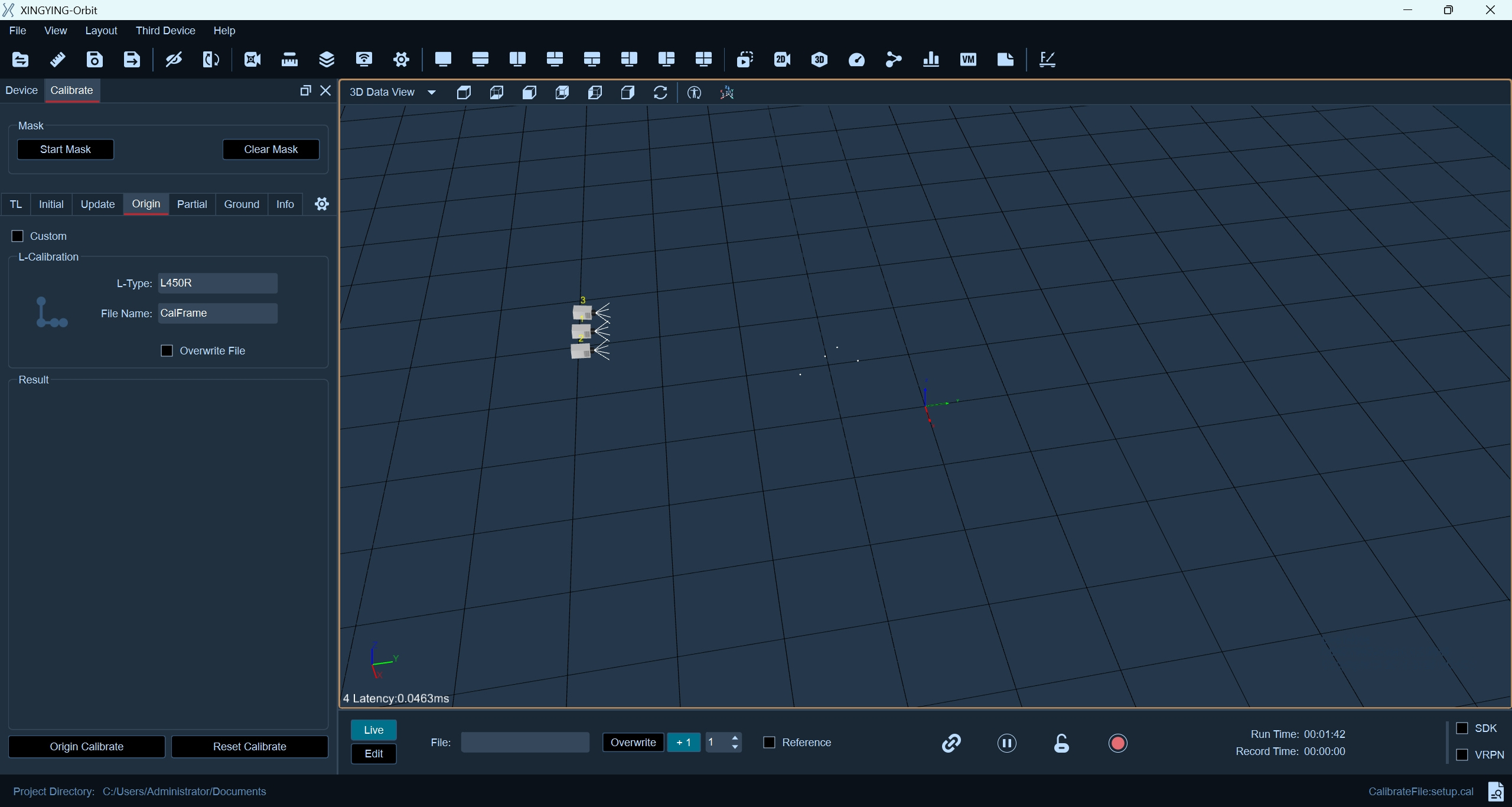
3.Origin Calibration:Place an L-Type rod in front of the Cameras. Open the Calibration → Origin Calibration interface. When there are only four L-Type rod points visible in the 3D view, click L Calibration.
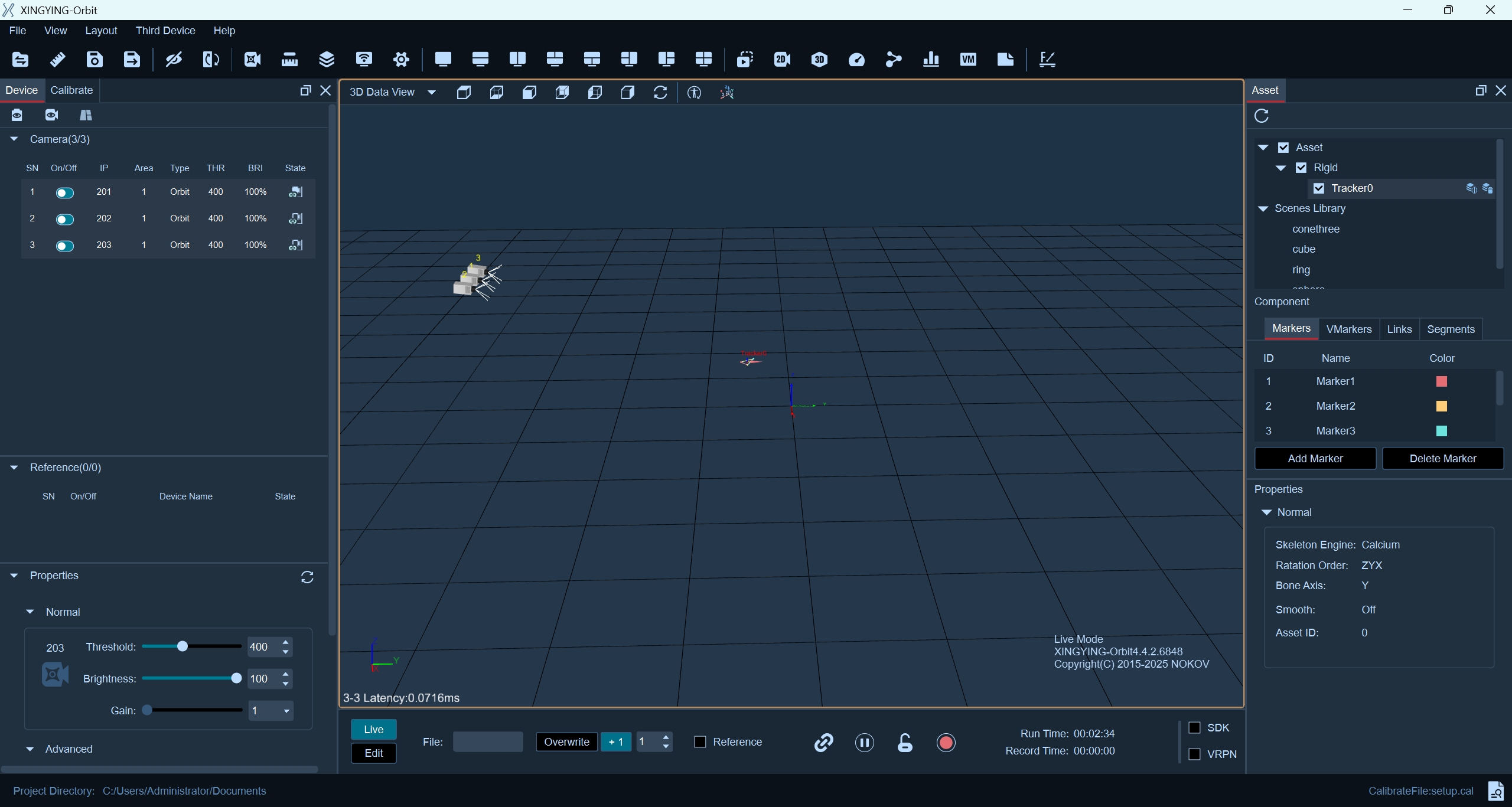
4.Create an asset and start normal use.
Note:
If you are using the Orbit Cameras, please use the XingYing-Orbit version of the software. If you encounter any issues, contact a Nokov Engineer for assistance.
The Orbit Cameras supports plug-and-play operation and does not require calibration. If multiple Orbit Cameras are used together, the Cameras IP addresses must be modified. Please contact a Nokov Engineer for assistance.