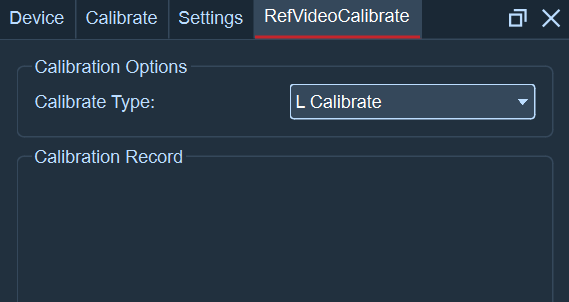
(2) L calibration
Place the L-shaped rod within the visible area of the camera lens, then open the reference video view. Click on View - Reference Video Calibration, select "L Calibration", click the "Freeze Frame" button at the bottom of the calibration panel. Next, click on the four Marker balls on the L-shaped rod in each reference video view of the lens. After completing this, click the "Add Frame" button. At this point, a prompt saying "L Calibration Successful" will be printed in the calibration record.